Transglot Localization MCP
Automate product localization from your AI editor: read and edit translations, manage AI batches, run QA, maintain glossary terms and sync files through 16 project-scoped MCP tools.
Automate product localization from your AI editor: read and edit translations, manage AI batches, run QA, maintain glossary terms and sync files through 16 project-scoped MCP tools.
Features
Category
Use Node.js 20 or later. Create a project access token in Transglot Settings → Developer on Starter or above. Give the token only the abilities your agent needs. Configure your MCP client to run `npx -y @transglot/mcp` with `TRANSGLOT_TOKEN` set in its environment. The token selects one project; the server connects to https://api.transglot.ai over the REST API. Start by reading project details or a translation. Translation batches and AI QA consume the project allowance; write, import and glossary tools change project data. Review those actions in your client before running them. This is a local stdio server. 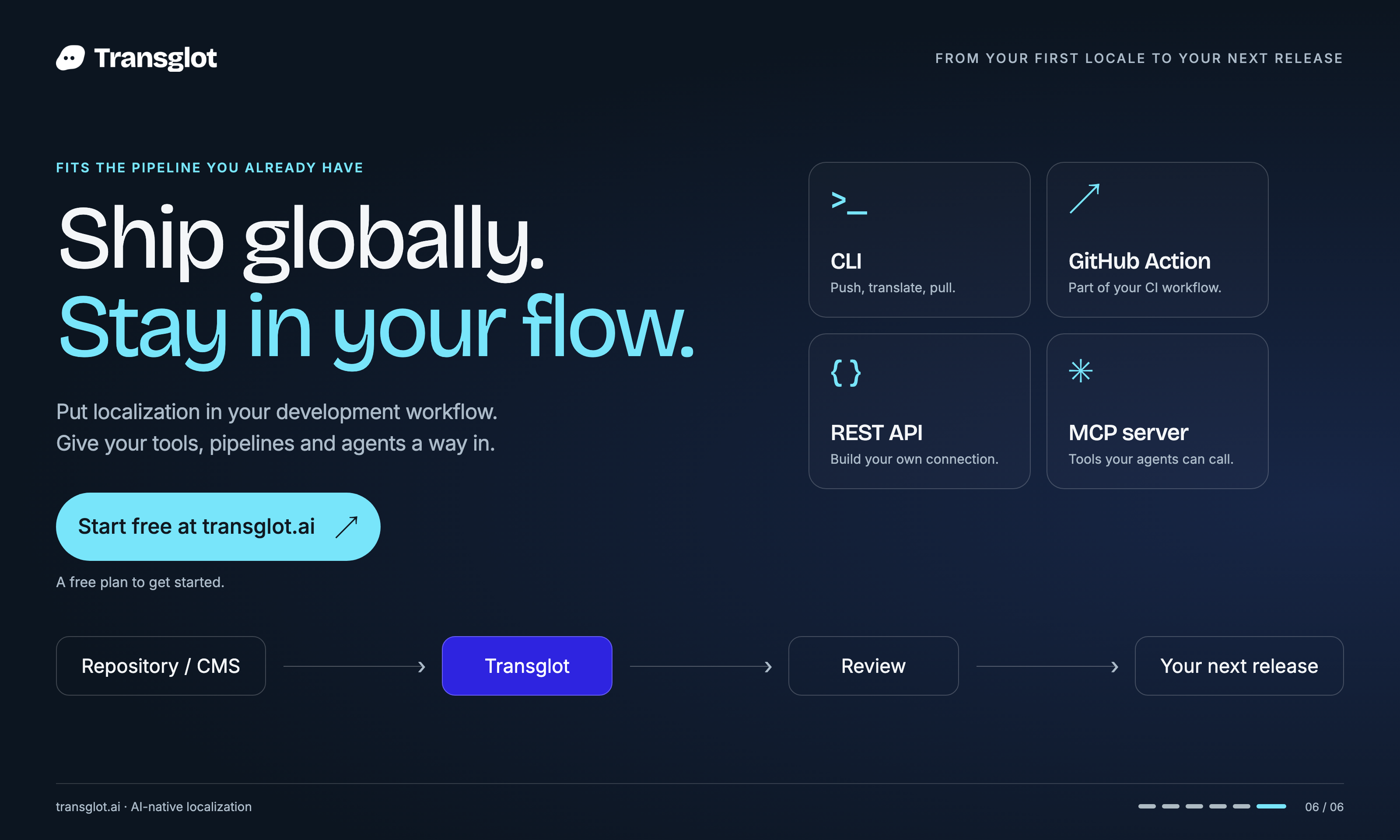
get_project
Read the current project, source locale, configured locales and key count.
list_languages
List project locales; this tool does not create locales.
get_translation
Read one translation with workflow state, staleness and QA findings.
upsert_translation
Create or overwrite translation text as a human edit; source edits can trigger AI translation.
translate_missing
Queue AI translation for missing target values without overwriting human edits; uses allowance.
get_batch_status
Read progress and optional failed items for a translation batch.
list_batches
List recent translation batches, optionally limited to active runs.
retry_failed_batch
Retry failed items from a finished translation batch; uses allowance.
cancel_batch
Stop a running translation batch and release unspent reserved words.
run_qa
Run AI quality checks for target translations on eligible plans; uses allowance.
glossary_list_terms
Read glossary terms with cursor-based pagination.
glossary_add_term
Add a do-not-translate, forbidden or required-translation glossary term.
glossary_update_term
Replace the definition of an existing glossary term.
glossary_delete_term
Permanently delete a glossary term; requires appropriate token ability.
pull_file
Export a locale in a supported localization format, optionally filtered by review state.
push_file
Import a localization file; optional source synchronization can remove absent keys.
{
  "mcpServers": {
    "transglot": {
      "command": "npx",
      "args": [
        "-y",
        "@transglot/mcp"
      ],
      "env": {
        "TRANSGLOT_TOKEN": "YOUR_PROJECT_TOKEN"
      }
    }
  }
}GitHub
Access GitHub repositories, issues, and pull requests.
Everything
Reference / test server with prompts, resources, and tools
Git
Tools to read, search, and manipulate Git repositories
GitLab
GitLab API, enabling project management
Sequential Thinking
Dynamic and reflective problem-solving through thought sequences
Sentry
Retrieving and analyzing issues from Sentry.io